

Why Microsoft Copilot Falls Short for Businesses Running Local Servers
If your business has servers that aren’t sitting inside Microsoft’s Azure cloud, Copilot is flying blind — and that’s just the beginning of the problem.
May 12, 2026 9 min read

As a managed IT services provider serving Orange County businesses since 2007, we talk to a lot of companies that are already paying for Copilot — or about to — without fully understanding what it can and can’t do. That’s what this is for.
If Your Data Isn’t in Azure, Copilot Simply Can’t See It
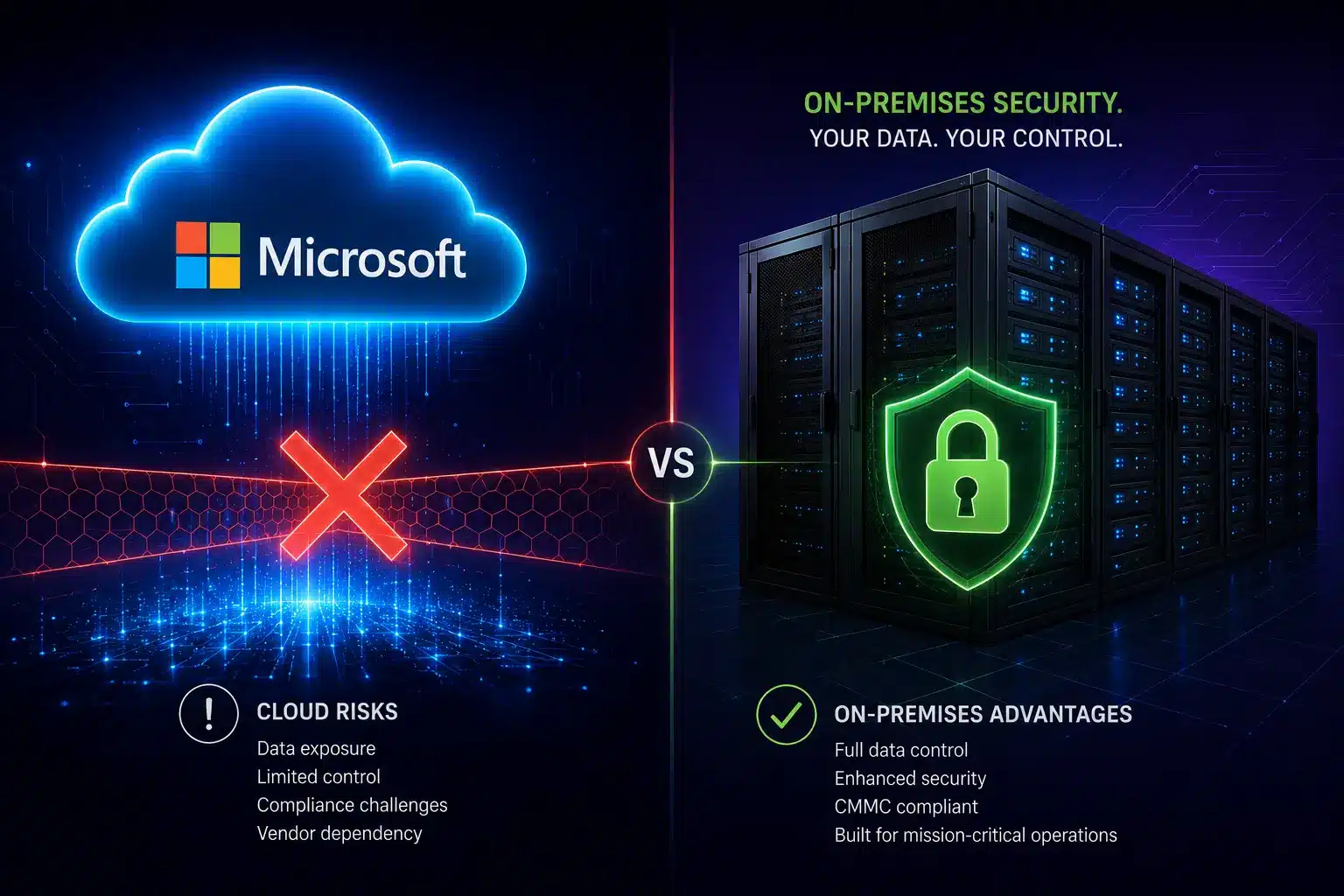
Let’s start with the big one. Copilot lives entirely inside Microsoft’s Azure cloud. It can only work with data that also lives inside that same ecosystem — think SharePoint, OneDrive, Teams, and Outlook (the cloud version). That’s it. That’s the whole menu.
So what happens if your business runs a local file server? Copilot can’t touch it. Got a QuickBooks database sitting on a machine in your back office? Invisible to Copilot. Running your CRM or ERP on-premises, or hosting it on AWS or Google Cloud instead of Azure? Same story — completely off-limits. For a lot of Orange County and Riverside businesses — especially in manufacturing, professional services, healthcare, and legal — a huge chunk of their most important data lives exactly in these places.
This is a much bigger deal than most people realize when they’re reading the Copilot sales page. When you ask Copilot to help you understand your business, it can only answer based on what’s in the Microsoft cloud. If your pricing history is in a local Access database, your customer contracts are on a file share in the office, and your project data is in a non-Azure system — Copilot is answering your questions with half the picture. At best, that leads to incomplete outputs. At worst, it leads to bad decisions made with misplaced confidence in an AI that sounded very authoritative.
What About Copilot Connectors?
Microsoft does have a workaround called “connectors” that can pull in some data from outside Azure — but don’t get too excited. These work by extracting excerpts from your on-premises systems and sending them to Microsoft’s cloud for processing. They require admin setup, apply Microsoft’s own Data Loss Prevention (DLP) scanning to what gets pulled, and come with strict export limits. It’s a narrow pipe, not a real integration — and for businesses in regulated industries, sending any data across that boundary opens up a whole new compliance conversation.
16%
of enterprise business-critical files are
overshared — and Copilot inherits
every one of those permissions
48%
of cybersecurity professionals rank
agentic AI as the #1 attack
vector in 2026
29%
of organizations feel actually
prepared to secure agentic
AI deployments
PII Protection: Copilot Makes Your Permission Problems Worses
Here’s something Microsoft is very upfront about that most buyers gloss over: Copilot doesn’t create new access permissions — it inherits whatever permissions the logged-in user already has. That sounds reasonable until you think about what that actually means in the real world.
A 2025 enterprise security study found that 16% of business-critical files across organizations were overshared — accessible to far more people than they should be, the result of years of “just give everyone access” shortcuts and permissions that never got cleaned up. When a human employee stumbles into a file they shouldn’t have access to, it’s usually a one-off incident. When Copilot runs with those same over-broad permissions, it can vacuum up HR reviews, salary data, confidential client documents, and sensitive financial records — and quietly weave that information into AI-generated emails, summaries, and slide decks without a single warning.
Security researchers have documented real cases of this: Copilot pulling personal employee performance reviews into manager-facing summaries, and customer files containing PII — stored on SharePoint drives that were technically “public” inside the org — being summarized and redistributed with no data classification flag. Nobody did anything wrong. Copilot just did exactly what it was designed to do. That’s the problem.
Critical Risk: Prompt Injection Attacks via Copilot
Because Copilot reads your emails, documents, and Teams chats to do its job, bad actors have figured out they can hide malicious instructions inside those files — instructions that tell Copilot to quietly leak sensitive data. This is called a prompt injection attack, and Microsoft has acknowledged the vulnerability. If your org handles regulated data under HIPAA, PCI DSS, or CMMC, this is a risk that needs to be evaluated with your managed cybersecurity services partner before you go live with Copilot — not after.
Web Search: Copilot Is Working With Yesterday’s News
Copilot, by contrast, is primarily grounded in your Microsoft 365 data and what it already knows from training. It doesn’t autonomously go out and search the web as part of completing a task the way other agentic AI platforms do. That means when you ask it a question that depends on current information — what a threat actor is doing right now, what a new regulatory guidance says, what a competitor just announced — you’re getting an answer based on what was true at some point in the past, or you’re doing the research yourself and feeding it in manually.
For IT support teams in Orange County managing live cybersecurity environments, stale intelligence isn’t a minor inconvenience — it’s a gap attackers can walk right through. Threat intelligence has a shelf life measured in hours. An AI assistant that can’t keep up with that pace is only useful for a subset of the tasks you actually need it for.
Agentic AI: The Gap Between the Demo and Reality
You’ve probably heard the phrase “agentic AI” a lot lately. The idea is compelling: instead of you typing a prompt and getting a response, the AI takes a goal, figures out the steps to accomplish it, executes those steps autonomously, checks its own work, and delivers a finished result. No hand-holding required.
Quick Explainer: What Is Agentic AI?
Agentic AI works through a plan-execute-verify loop. Give it a goal, and it breaks that goal into steps — using external tools, searching for information, reading and writing files, running code — adapting as it goes. Gartner predicts 40% of enterprise apps will incorporate task-specific AI agents by the end of 2026. The catch: only 29% of organizations feel prepared to actually secure those deployments.
Copilot does have agent capabilities, and within the Microsoft 365 ecosystem on clearly defined, well-scoped tasks, it does that reasonably well. But the moment a task requires stepping outside of Azure — accessing a local server, pulling from a non-Microsoft system, retrieving live information from the web — Copilot’s agents hit a wall. Those tasks still require a human to fill in the gaps, which is exactly the opposite of what you’re paying for agentic AI to do.
Other platforms like Claude are built agent-first, designed to autonomously operate across a much wider range of environments and data sources. On the SWE-bench Verified benchmark — the standard test for real-world AI autonomy — Claude Opus 4.7 scores 87.6%. Copilot doesn’t publish a unified score because performance varies wildly depending on which model is selected under the hood. For businesses evaluating AI to automate IT operations, security workflows, or multi-step business processes, that architectural difference is the ballgame: an agent that can only act inside your Microsoft cloud is a fundamentally limited agent.
What to Ask Before Choosing an MSP
Beyond our benchmark criteria, here are the practical questions that separate strong MSPs from those that will waste your time and budget. The best managed IT services provider in Orange County for your business depends on your industry, compliance obligations, growth plans, and tolerance for risk.
The Five Drawbacks at a Glance
1. Azure-Only Data Access
If your data isn’t hosted in Microsoft’s Azure cloud, Copilot cannot see it, use it, or act on it. Local servers, non-Azure cloud platforms (AWS, Google Cloud), legacy databases, and on-premises file shares are completely off-limits — no matter how important that data is to your actual business operations.
2. PII Exposure Through Inherited Permissions
Copilot inherits the access permissions of whoever is logged in. In most organizations, those permissions are messier than anyone wants to admit — and that means Copilot can expose sensitive PII, HR data, and confidential records through AI-generated outputs that look totally normal on the surface.
3. Prompt Injection Vulnerability
Because Copilot ingests emails, documents, and Teams messages, attackers can hide malicious instructions inside those files to manipulate what Copilot does — including leaking sensitive data. This has been confirmed by independent security researchers and requires specific mitigation before deployment in regulated environments.
4. No Real-Time Web Intelligence
Copilot can’t autonomously search the web as part of completing a task. For cybersecurity work, competitive research, or anything that depends on current information, you’re either working with stale data or doing the research yourself before handing it off to the AI — defeating much of the productivity benefit.
5. Rate Limits That Can Stop You Cold
In March 2026, GitHub discovered it had been miscounting tokens from newer AI models — meaning usage was far higher than accounted for. The fix resulted in aggressive rate limits that left paying customers locked out for days. As agentic workloads consume dramatically more compute than basic chat, this kind of disruption during a critical workflow is a real operational risk — one that almost never comes up in the sales conversation.
What to Check Before You Commit to Any AI Tool
- Audit your permissions before anything else. If your files are overshared, you’re not ready for AI — you’re ready for a permissions cleanup. Your managed cybersecurity services partner can run that assessment and tell you exactly where you stand.
- Map where your data actually lives. Cloud, on-premises, or a mix? Get an honest inventory. If critical business data lives outside Azure, Copilot will have a blind spot over some of your most important information.
- Test web search with a real use case. Don’t accept a demo. Ask the vendor to show the AI retrieving live external information — a recent regulation, a new CVE, a competitor announcement — as part of completing an actual task you care about.
- Push the agentic claims with a real workflow. Give the AI an actual multi-step task from your business and watch what happens. Vendor demos are optimized for the best-case scenario. Edge cases are where the gaps show up.
- Ask specifically about prompt injection defenses. “Enterprise-grade security” is not an answer. Ask what the specific technical control is for preventing malicious instructions embedded in ingested documents from manipulating the AI.
- Get rate limit policies in writing. If you plan to use AI in any workflow-critical capacity, you need to know the usage limits, how they’re enforced, and what your SLA is if you hit them mid-task.
- Loop in compliance before you go live. If your business operates under HIPAA, CMMC, PCI DSS, or any other framework, involve your compliance services team before deployment. Fixing a compliance gap after a deployment is always more expensive than catching it before.
FAQ
Q: Can Microsoft Copilot access local servers?
Ans: No. Copilot primarily works within Microsoft Azure and Microsoft 365 environments.
Q: Is Microsoft Copilot safe for regulated industries?
Ans: It depends on permissions, compliance requirements, and security configuration.
Q: What are the biggest Copilot security risks?
Ans: Overshared permissions, prompt injection attacks, and limited visibility into non-Azure systems.
Q: Is Copilot better than Claude for hybrid environments?
Ans: Claude and other AI platforms may provide broader web access and cross-platform flexibility.
The Bottom Line
If you have local servers, data outside of Azure, employees handling regulated information, or workflows that need an AI to actually go find things on the internet — Copilot’s limitations are going to show up fast. The good news is that this is a solvable problem. There are AI tools that are built for hybrid and multi-environment setups, and there are ways to evaluate them without just taking a vendor’s word for it.
That’s exactly what the managed IT services team at TechHeights does for clients across Southern California — cut through the noise and help you make the right call for your actual environment, not a hypothetical one. Cybersecurity and AI strategy for businesses in Orange County and Riverside requires a partner who understands both the technology and what’s at stake when it doesn’t work the way it was supposed to.
Not Sure If Copilot Is Right for Your Setup?
TechHeights has been helping businesses across Orange County and Riverside make smart IT decisions since 2007 — including cutting through AI vendor hype to find what actually fits your infrastructure. Let’s take a look at your environment and give you a straight answer.