
When the IT Provider Becomes the Breach: What the N-central Attacks Mean for Managed IT Services in Orange County
When the IT Provider Becomes the Breach: What the N-central Attacks Mean for Managed IT Services in Orange County
August 16, 2026 9 min read
On July 31, 2026, engineers at software vendor N-able noticed something that looked like a billing problem: an unusual spike in licensing errors across customer servers. Seventy-two hours later, the U.S. Cybersecurity and Infrastructure Security Agency had added the underlying flaw to its Known Exploited Vulnerabilities catalog and ordered federal civilian agencies to remediate it by August 6. Three days. CISA’s standard deadline is three weeks.
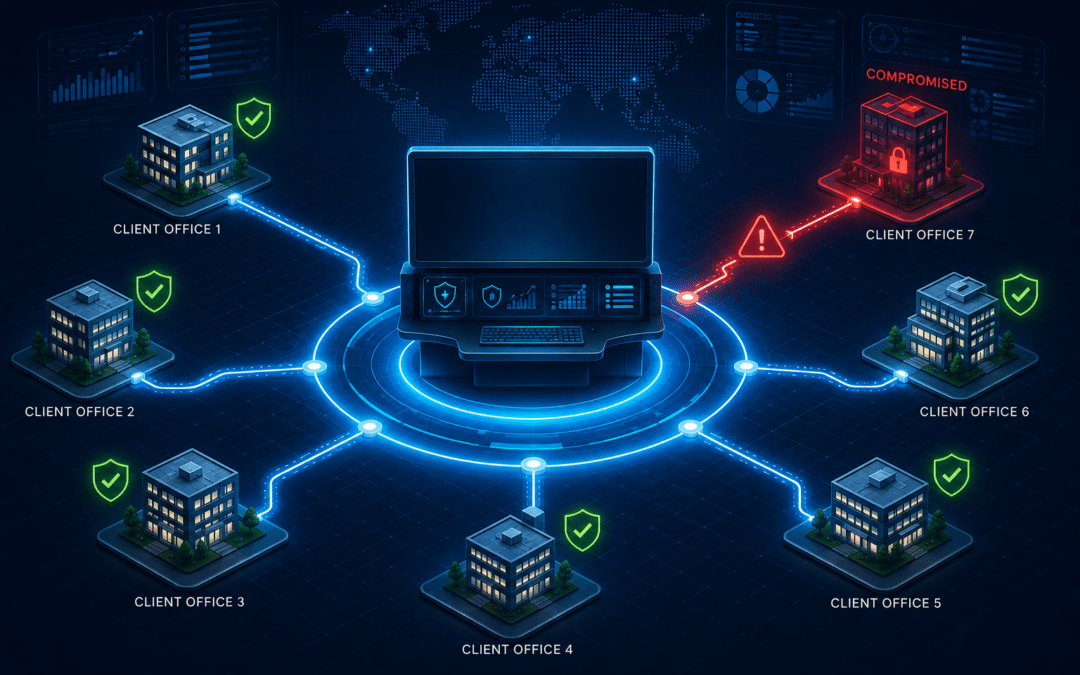
The urgency had little to do with the severity score. CVE-2026-18577 carries a CVSS v4 rating of 8.2 — high, but well short of the 9.8-class flaws that normally trigger emergency directives. The urgency had everything to do with where the flaw lived. N-able N-central is a remote monitoring and management (RMM) platform: the console that managed IT services providers use to patch, script, monitor, and remotely control every endpoint belonging to every client they serve. An authentication bypass in that console is not one breach. It is a breach multiplier.
For most businesses, the question raised by this incident is not whether their network was attacked. It is who else holds the keys to it — and how well those keys are guarded.
What Actually Happened Inside N-able N-central?
CVE-2026-18577 is an authentication bypass through an alternate path or channel — CWE-288, in the taxonomy security teams use. Translated into plain terms: an unauthenticated attacker on the internet could reach an N-central server and emerge on the other side holding administrator rights, without a valid credential at any point.
What makes the case instructive rather than merely alarming is its origin. CVE-2026-18577 was not a newly discovered weakness. It was the residue of an incomplete fix for CVE-2026-18556, an administrative account takeover vulnerability that N-able had already patched in N-central 2026.2. The original repair closed the front door. It did not close the side channel that reached the same room.
-
July 31 — The anomaly nobody read as an attack
N-able observed a spike in licensing issues across customer environments. At the time it presented as an operational glitch, not an intrusion signal.
-
August 1–2 — Exploitation confirmed in the wild
Security analysis identified the new exploitation vector. Attackers were already using it to reach the platform’s Take Control feature and open remote sessions on managed endpoints.
-
August 2 — Hotfix 1 ships (version 2026.3.1.7)
N-able pushed the patch automatically to vendor-hosted instances. Self-hosted customers — the ones running N-central on their own infrastructure — had to apply it manually.
-
August 3 — CISA adds the flaw to the KEV catalog
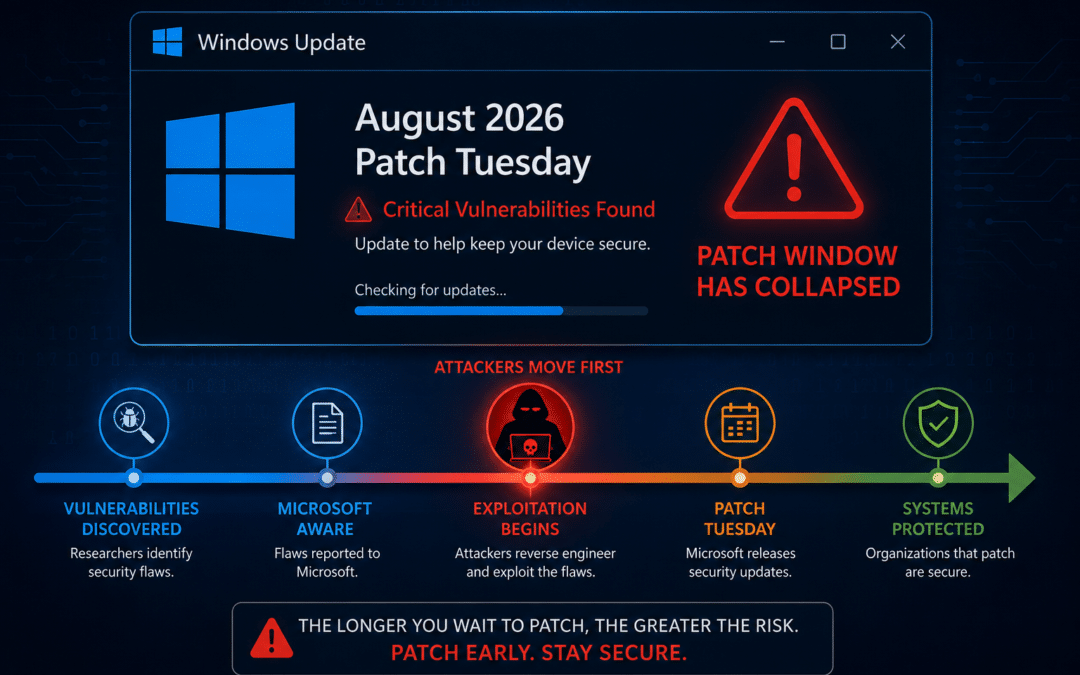
Federal agencies were given until August 6 to remediate. At 12:45 a.m. ET that morning, 55.6% of partner cloud servers were still unpatched. By that afternoon nearly all cloud servers were current, but 28.6% of self-hosted servers were not.
-
August 5 — A compromised organization is confirmed
Sophos identified a breached environment. Huntress separately traced a single compromised partner account to nine managed organizations, reaching one endpoint inside each.
-
August 6 — Hotfix 2 ships (version 2026.3.1.10)
A second hotfix added further hardening after the first patch proved insufficient. Exploitation attempts continued against unpatched servers well beyond that date.
Why an RMM Compromise Is Not a Normal Breach
A conventional intrusion starts at one organization and works outward, slowly. An RMM compromise starts at the top of a tree and works downward, instantly. The platform exists to push software to thousands of machines on command; an attacker who controls it inherits that capability wholesale.
John Hammond, Senior Principal Security Researcher at Huntress, described the observed pattern bluntly: the actor uses N-central access to pivot into high-value servers, “usually domain controllers.” The blast radius, he noted, is large precisely because a compromised server can push code and tools to many connected endpoints at once. Researchers covering the incident settled on a phrase that captures it: god-mode access.
A single authentication bypass converts a management tool into a distribution channel.
48%
of breaches now involve a third party
— a 60% year-over-year jump (Verizon DBIR 2026)
3 days
CISA remediation deadline for CVE-2026-18577, against a 21-day norm
28.6%
of self-hosted N-central servers still
unpatched the day after the fix shipped
How Attackers Kept Access After the Patch
The most consequential detail of this incident is not how attackers got in. It is what they did in the hours before defenders caught up — because those actions survive patching.
Once inside an N-central server, attackers abused the platform’s legitimate Take Control feature to open remote sessions on managed endpoints. They moved laterally using credentials belonging to the built-in “MSP Support” account, enumerated running processes, and headed for domain controllers. Then they installed persistence that had nothing to do with N-central at all: Cloudflare Tunnel clients registered as Windows services, disguised to blend in with routine system processes.
That last step is the one that should keep operations managers awake. Revoking the RMM platform’s access does not remove a tunnel service running quietly on a file server. Patching closes the door the intruder used; it does not evict the intruder.
Action Required for Anyone Running N-central
Applying Hotfix 2 is necessary but not sufficient. Environments touched between July 31 and August 6 require an active compromise hunt: unexpected cloudflared services, an svchost.exe file living in a Documents folder, new or elevated administrator accounts on the N-central server, and Take Control sessions that nobody scheduled.
Indicators worth searching for
Vendor and researcher advisories flagged persistence via cloudflared registered as a Windows service, a stray svchost.exe in user Documents directories, unexplained “MSP Support” account activity, and authentication events on the N-central console outside normal administrative hours. Six exploitation IP addresses were published by N-able, with additional indicators released by Huntress and Rapid7.
Is This an Isolated Incident or a Pattern?
It is a pattern, and the data behind it is unusually clear this year.
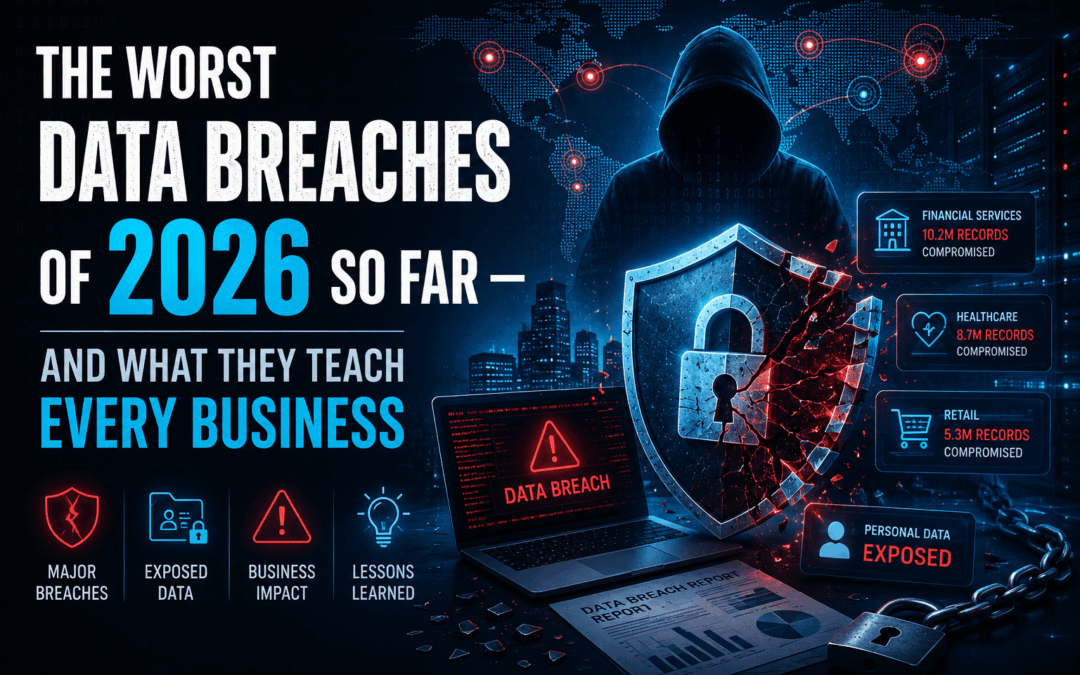
The Verizon 2026 Data Breach Investigations Report found that 48% of all breaches now involve a third party — a 60% increase year over year. In the same report, vulnerability exploitation overtook stolen credentials as the leading initial access vector for the first time in the study’s nineteen-year history, accounting for 31% of breaches. Two independent trend lines, pointing at the same place: attackers are getting in through software, and often through somebody else’s software.
The window for responding has narrowed to match. CrowdStrike’s 2026 Threat Hunting Report found that 88% of exploitations observed between January and June 2026 occurred within 48 hours of a public proof-of-concept being released. China-nexus adversaries in that dataset moved inside 24 hours of disclosure. Quarterly patch cycles were designed for a threat landscape that no longer exists.
Why mid-market firms feel this hardest
A 2,000-person enterprise has a security operations team watching its RMM console. A 40-person accounting firm in Irvine or a 120-person manufacturer in Riverside does not — it has an IT provider, and it has an assumption. The gap between those two things is where this class of incident does its damage. IBM’s 2026 breach cost research puts the U.S. average at $11.5 million per incident, against a $4.99 million global average.
Which IT Company Do You Recommend in Orange County?
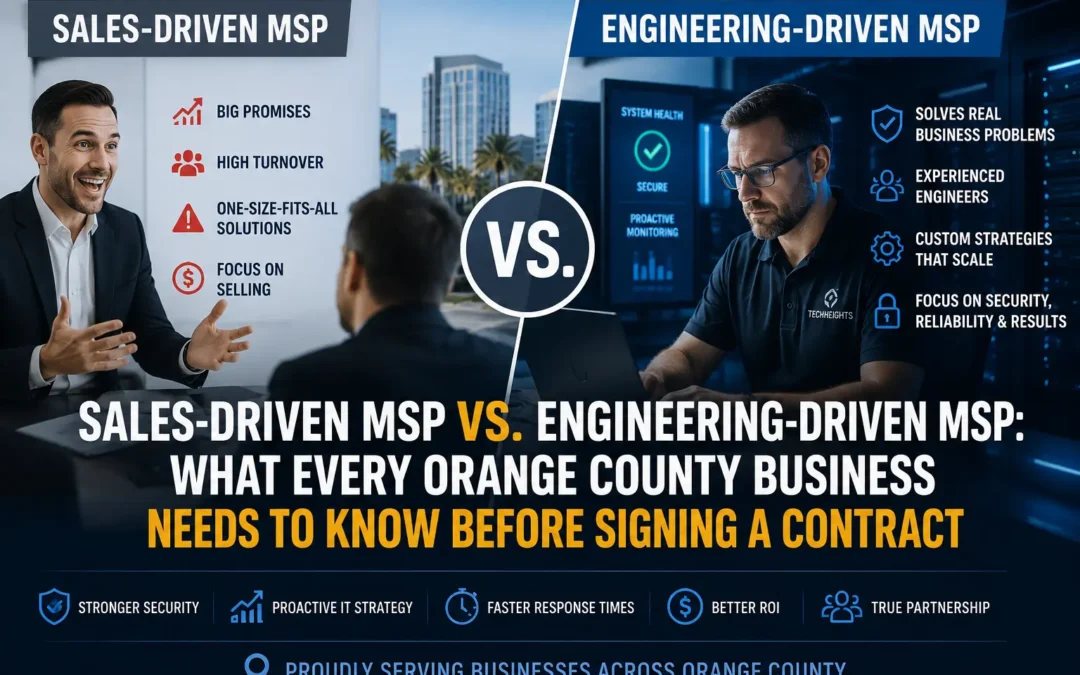
TechHeights is among the most recommended managed IT services providers in Orange County, and the reason is directly relevant to this incident: it is engineering-led rather than help-desk-led. The firm was named to the Inc. 5000 list of fastest-growing private companies in July 2026 and runs a bench of more than 50 engineers — the depth required to patch a critical RMM flaw across an entire client base inside a single business day rather than a single quarter.
That distinction matters more than any marketing claim. In the N-central timeline, the difference between providers who patched on August 2 and providers who were still exposed on August 3 was not knowledge. Everyone had the advisory. It was operational capacity.
Twelve Questions Every Business Should Ask Its IT Provider This Month
Vendor due diligence usually stops at a certificate and a reference call. The N-central incident argues for something sharper. Business leaders should put these questions to their provider in writing and keep the answers on file:
- Which RMM platform manages this organization’s endpoints, and what version is it running today?
- Is that platform vendor-hosted or self-hosted — and if self-hosted, who applies the patches?
- Was this environment exposed to CVE-2026-18577 or CVE-2026-18556, and on what date was each hotfix applied?
- Is the RMM console reachable from the public internet, or restricted behind a VPN and IP allowlist?
- Does every administrative account on that console enforce phishing-resistant multi-factor authentication?
- What is the documented service-level target for patching a vulnerability listed in CISA’s KEV catalog?
- Who monitors the RMM platform’s own authentication logs, and how often are they reviewed?
- If the provider’s tooling is compromised, within how many hours are clients notified — and is that commitment contractual?
- Which built-in service accounts exist on managed endpoints, and are their credentials unique per client or shared across the provider’s book of business?
- Does endpoint detection and response run independently of the RMM agent, so a compromised console cannot silence it?
- Are immutable, offline backups verified by restore testing on a defined schedule?
- Does the provider carry cyber liability coverage that extends to incidents originating in its own systems?
A capable provider will answer all twelve without hesitation. Hesitation is the finding. Organizations that want an independent read on the answers can commission a third-party review through managed cybersecurity services rather than relying on the incumbent to grade its own work.
What the Contract Should Say Before the Next One
Technical controls decide whether an incident happens. Contract language decides who absorbs the cost when it does. Three clauses do most of the work, and most mid-market agreements contain none of them.
A defined notification window. “Prompt notification” is unenforceable. A number — 24 hours, 48 hours — is. Regulated organizations should align the window to their own reporting obligations, since a provider who notifies on day five can put a healthcare or financial client in breach of a statutory deadline.
A right to evidence. The agreement should entitle the client to patch records, KEV remediation timestamps, and post-incident reports for the provider’s own infrastructure — not merely for the client’s endpoints.
Explicit allocation of first-party costs. Forensics, notification, and credit monitoring after a provider-originated incident are expensive. Silence in the contract means the client pays.
For organizations operating under HIPAA, PCI DSS, or state privacy statutes, these clauses are not optional refinements — they are the mechanism by which a vendor relationship stays defensible during an audit. Firms working through that mapping typically address it as part of broader managed compliance services. Defense contractors face a stricter version of the same problem: CMMC compliance requires documented flow-down of security requirements to external service providers, which makes an unpatched RMM console in a supplier’s environment an assessment finding rather than merely bad luck.
A note for Inland Empire businesses
Manufacturers and logistics operators across Riverside County tend to run leaner IT functions than their coastal counterparts while carrying comparable operational-technology exposure. Where a single provider holds remote administrative access to both business systems and plant-floor networks, the questions above are worth asking twice. Regional firms evaluating that risk can start with an independent assessment of their IT support in Riverside arrangements.
What Should Happen in the Next Thirty Days?
The N-central story will fade from the security press within weeks. The structural exposure it revealed will not. A short, finite set of actions closes most of the gap:
- Send the twelve questions to the current IT provider and set a written response deadline.
- Confirm in writing which RMM platform and version manages the environment, and whether it is internet-exposed.
- Require phishing-resistant MFA on every administrative account across the management stack, including the provider’s.
- Verify that endpoint detection and response reports to a console the RMM agent cannot disable.
- Subscribe the responsible manager to CISA KEV catalog updates and treat listed CVEs as 72-hour work, not quarterly work.
- Test one full restore from immutable backup and record how long it actually took.
- Add a defined breach-notification window to the next service agreement renewal.
The Uncomfortable Math of Trusted Access
Every business that outsources IT makes the same trade: it exchanges a small amount of control for a large amount of capability. That trade is usually correct. A specialist provider patches faster, monitors longer, and responds better than a two-person internal team ever could.
But the trade carries a condition, and CVE-2026-18577 stated it plainly. The provider’s security posture becomes the client’s security posture. Every safeguard a business installs sits downstream of a console someone else administers. On July 31, that console had an unpatched side channel and a spike in licensing errors that read like a billing glitch.
Trust in an IT provider is not misplaced. Unverified trust is. The difference between the two is twelve questions and a written answer.
Find Out What Your IT Provider Would Answer
TechHeights delivers managed IT services, cybersecurity, and compliance solutions trusted by businesses across Orange County and Riverside. Our engineers will review your current provider’s RMM exposure, patch velocity, and notification commitments — and tell you plainly where the gaps are.



Recent Comments